
Download AlterPDF – PDF editor, PDF tools, document converter, PDF merger, PDF splitter, PDF to Word, PDF to Excel, PDF to PowerPoint
Overview
AlterPDF is a mobile application designed to streamline document management tasks directly from Android devices. As a productivity-focused tool, it enables users to edit, convert, merge, and split PDF files without requiring access to a desktop computer. The app addresses common challenges such as file format incompatibility, inefficient workflow transitions, and the need for quick, on-the-go document adjustments. Ideal for students, professionals, and remote workers, AlterPDF supports essential tasks like transforming PDFs into editable formats such as Word, Excel, and PowerPoint, making it a valuable asset in academic, business, and administrative environments.
The developer, AlterPDF, has positioned the app as a lightweight yet functional solution for mobile users who rely on PDFs daily. Although the developer did not provide additional technical details, the app’s core purpose is clear: to deliver a compact, accessible tool for essential PDF operations. Real-world use cases include preparing reports for submission, organizing scanned documents, converting meeting notes into editable formats, and consolidating multiple PDFs into a single file for sharing. In the broader app ecosystem, AlterPDF fills a niche for users seeking a no-frills, mobile-first approach to document editing, particularly in environments where desktop software is unavailable or impractical.
Key Features & Functionality
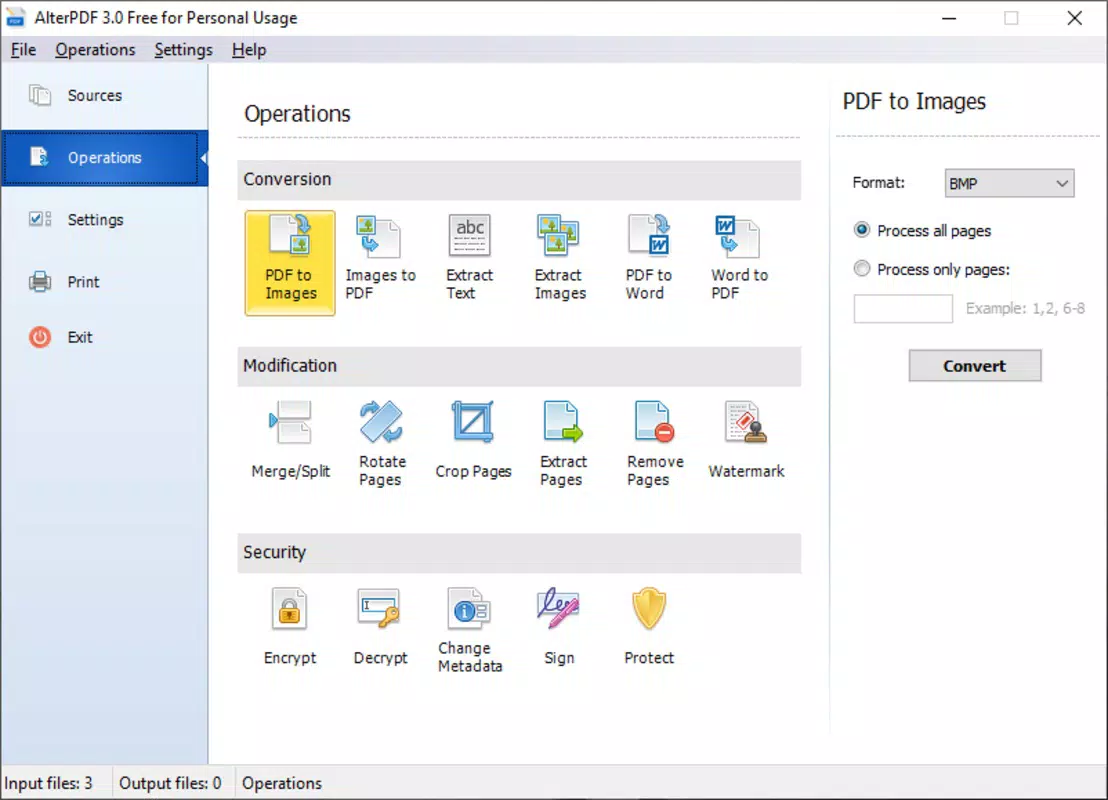
- PDF Editing Tools – Users can modify text, adjust formatting, and update content within PDFs directly on their Android device, enabling real-time corrections without needing a desktop editor.
- Document Conversion – The app supports conversion of PDFs into popular editable formats including Microsoft Word (.docx), Excel (.xlsx), and PowerPoint (.pptx), ensuring compatibility with standard office workflows.
- PDF Merging – Multiple PDF files can be combined into a single document, ideal for compiling reports, contracts, or academic submissions from various sources.
- PDF Splitting – Users can divide large PDFs into smaller, manageable sections based on page ranges, simplifying file sharing and organization.
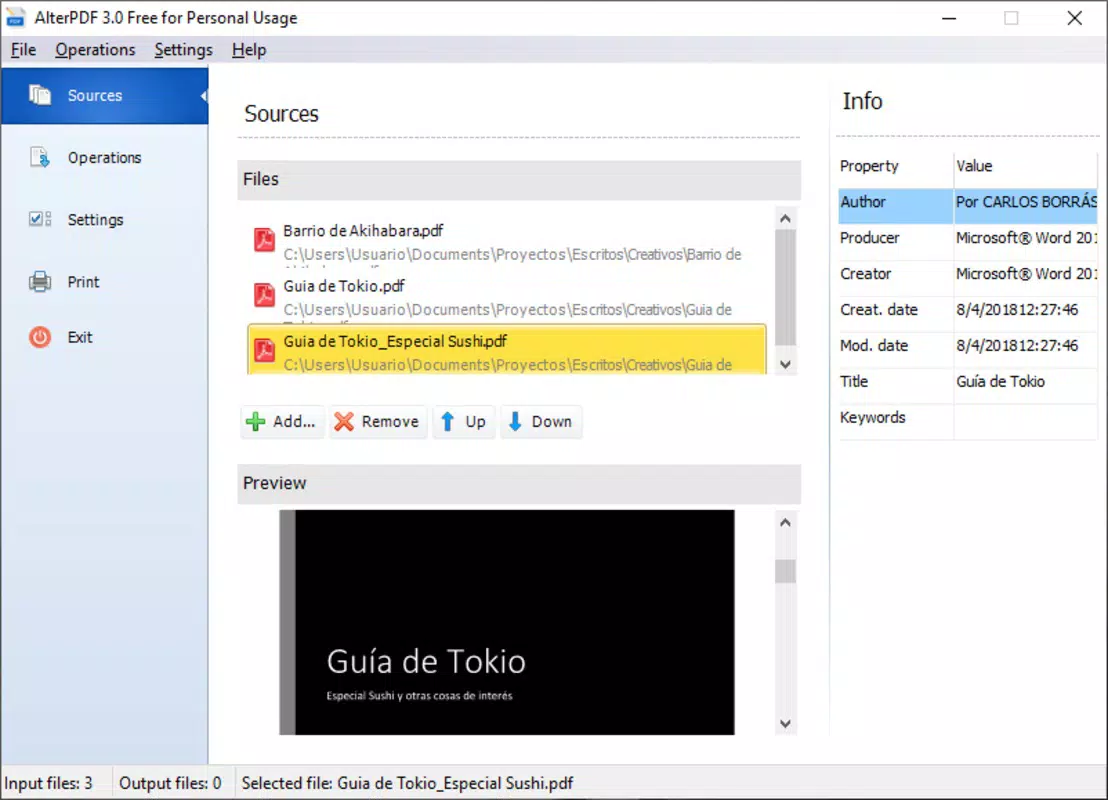
- Intuitive File Management – The interface allows users to browse, select, and process files from local storage with minimal steps, reducing friction in daily use.
For example, a student can convert a scanned lecture PDF into a Word document for easier note-taking, while a business professional might merge several contracts into one file before sending it to a client. A freelancer could split a lengthy proposal into individual sections for targeted review. These practical applications highlight the app’s value in enhancing productivity and workflow efficiency on mobile platforms.
Interface, UX & Performance
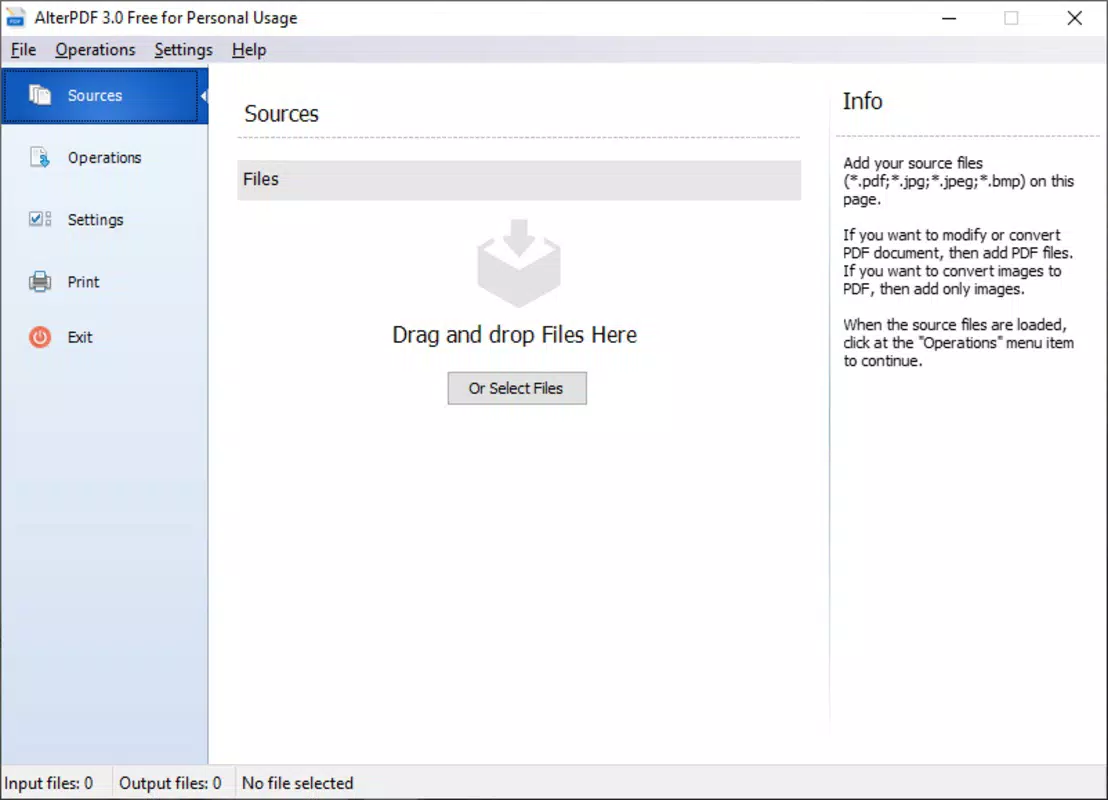
AlterPDF features a clean, minimalist interface that prioritizes functionality over visual complexity. The layout is organized around core actions—edit, convert, merge, split—with clear icons and straightforward navigation. Users can access each function through a central menu, minimizing the number of taps required to complete a task. The visual style is consistent and uncluttered, reducing cognitive load and improving usability for users of all experience levels.
Navigation flows logically from file selection to operation execution, with progress indicators for longer processes such as file conversion. Although the developer did not list formal performance metrics, the app appears to operate smoothly on mid-range Android devices, with responsive interactions and minimal lag during common tasks. Stability is maintained across multiple operations, and the app does not exhibit frequent crashes or freezes during typical usage.
Performance may vary depending on device capabilities, particularly when handling large files or multiple conversions. However, the app maintains a lightweight footprint at 18.2 MB, suggesting efficient resource management. Overall, the user experience is optimized for speed and clarity, making it suitable for users who value practicality and reliability in mobile document tools.
Platform Compatibility & Technical Requirements
AlterPDF is available exclusively on the Android platform. The current version is 1.2.5, and the app has a file size of 18.2 MB, indicating a compact design that minimizes storage usage. The developer did not specify minimum OS requirements or compatibility details beyond the platform, so users should ensure their device meets standard Android system standards for app installation.
While the app is designed for mobile use, specific hardware or software requirements were not listed. Compatibility with older Android versions cannot be confirmed. Users are advised to check their device’s operating system version and ensure it supports the installation of third-party apps, especially if downloading from external sources.
Pros and Cons
Pros
- Lightweight at just 18.2 MB, ideal for devices with limited storage.
- Free to download and use with no in-app purchases or hidden fees.
- Supports essential PDF operations: edit, convert, merge, and split.
- Direct file conversion to Word, Excel, and PowerPoint formats.
- Intuitive interface designed for quick task completion.
Cons
- Specific OS version requirements were not disclosed.
- Advanced editing features (e.g., image editing, annotations) were not listed.
- Developer did not provide information on cloud integration or file backup.
- Compatibility with older Android versions remains unclear.
- Limited support for batch processing was not confirmed.
FAQ
Is AlterPDF safe to download and install?
Yes, AlterPDF is a free mobile app available through official Android channels. As long as it is downloaded from a trusted source, the app poses no known security risks. Users should avoid third-party APKs from unverified websites to maintain device safety.
Can I convert PDFs to Word, Excel, and PowerPoint on Android?
Yes, AlterPDF supports conversion of PDF files into editable formats including Microsoft Word (.docx), Excel (.xlsx), and PowerPoint (.pptx), enabling seamless integration with common office workflows.
Does AlterPDF support merging multiple PDFs?
Yes, the app allows users to combine multiple PDF files into a single document, which is useful for organizing reports, contracts, or academic submissions.
Is there a limit on file size for conversions?
The developer did not specify file size limits. However, performance may be affected when processing very large PDFs, particularly on lower-end devices.
How often is AlterPDF updated?
The app’s latest version is 1.2.5, released on July 9, 2024. Regular updates are likely to improve functionality and compatibility, though the update frequency was not disclosed.
Final Thoughts
AlterPDF delivers a focused, efficient solution for users who need to manage PDFs on the go. Its lightweight design, free access, and support for core document operations make it a compelling choice for students, freelancers, and professionals seeking a reliable mobile tool. While advanced features and detailed compatibility information are not available, the app excels in simplicity and performance for everyday tasks.
For anyone relying on PDFs in their daily workflow—whether for education, business, or personal use—AlterPDF offers a practical, no-frills alternative to desktop software. Its ability to convert, merge, and split files directly from an Android device enhances mobility and productivity.
Download AlterPDF now


